Category: Printing Tips

  • Top Online Marketing Strategies For Your Printing Business

    Top Online Marketing Strategies For Your Printing Business

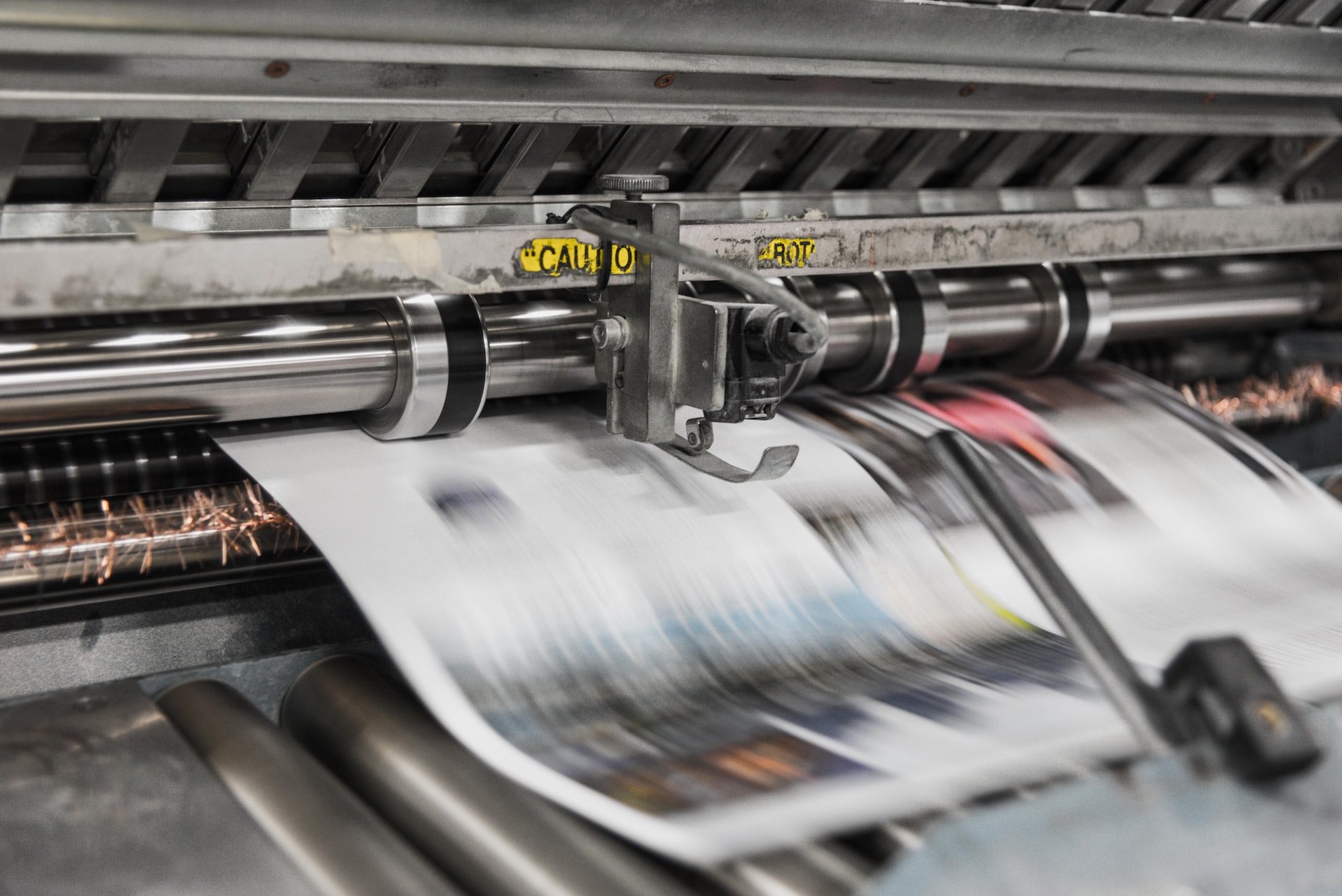
    If you’re looking to start a successful printing business, you know that the right marketing strategy is essential. The good news is that with digital marketing and social media, those strategies have never been more accessible, or more influential. To kick off your journey into personalized prints, here are some of the most effective digital marketing strategies.

    SEO

    When it comes to marketing your printing business, search engine optimization (SEO) can be a powerful tool. Technical SEO is the practice of optimizing your website and content to improve search engine rankings and reach potential customers. By making sure your website is easy to find on search engines, you can increase its visibility and make it easier for customers to find you online.

    With SEO tactics, you can also craft content around keywords that will help draw in people looking for businesses like yours with specific needs. For example, if you are targeting local customers for a particular printing project or product line, use keyword phrases tailored to reach people in that area.

    Another key part of SEO is helping potential clients understand the services you offer at a glance. Make sure all web pages feature clear headlines and informative descriptions outlining the types of jobs you specialize in so users know they’ve come to the right place. If done right, these strategies can help boost search engine rankings and draw more leads to your printing business. Moreover, using an effective mix of organic (unpaid) and paid promotion techniques such as Google Ads can help maximize your exposure online even further. Putting time into crafting an effective strategy can do wonders for growing your business!

    SEM

    When it comes to growing your printing business, the use of Search Engine Marketing (SEM) strategies can be an incredibly powerful tool. SEM involves using search engine algorithms to target potential customers, both local and global, with tailored advertisements. With targeted campaigns, you can effectively pinpoint prospects and customers who are most likely interested in purchasing your services.

    This level of precision allows you to remain cost-effective while improving your ROI on each advertisement. Furthermore, using SEM provides essential feedback that helps refine and improve your advertising technique, allowing for continual growth in visibility over time. Whether it is through Google Ads or other methods, utilizing SEM provides the opportunity for your business to maximize its exposure and gain more customers than ever before.

    Social Media Marketing

    Social media has become an incredibly effective avenue for connecting with potential customers and boosting brand recognition. To start incorporating social media into your own marketing plan, consider setting up accounts on popular sites like Facebook and Instagram. Once you have chosen the platforms that are best suited to your business, the next step is to decide what kind of content to post.

    Showcasing examples of work you have already done can be a great way to generate interest among past and potential customers alike. Posting daily updates featuring photos of new products or designs gives people something new to engage with each day and keeps your campaign fresh in their minds. You may also want to use your social accounts to interact directly with your followers or offer special discounts or contests for those who share your posts or tag friends. Being strategic about social media marketing can help turn casual viewers into loyal customers and make a huge difference for your printing business!

    Improve Your Web Design

    For any printing business in South Carolina, having a website is essential if you want to stay competitive and reach new customers. Your website should not only be professional-looking but also designed in such a way as to make it easy for visitors to find the information they need.

    Start by streamlining your navigation options so that potential customers can quickly locate the products and services you offer. Additionally, focus on using visually appealing images and graphics, as these can be more effective than plain text when trying to advertise a product or showcase a service. Attention should also be paid to the font size and color choices, as these can have an impact on how easily readable your information is. Further, try utilizing comprehensive contact forms in order to make it easier for customers to get in touch with you.

    Don’t forget about mobile compatibility. Since search engines are becoming increasingly sophisticated and mobile devices have become so widespread, users are now expecting websites to look good and function properly across all devices. Ensuring that all of your content can be accessed on smartphones and tablets not only makes it more convenient for your customers but also helps improve search engine rankings since this type of optimization is one factor Google considers when ranking websites. In order to have a great website, you need to find experts in web design Greenville SC to help you create a responsive website.

    Although it may seem like a lot to take in, these are all essential aspects of any successful digital marketing strategy. By understanding how they work and how they can be integrated together, you’ll be on your way to seeing better results from your online marketing campaigns.
  • How Can Sticker Campaign Help In Marketing?

    How Can Sticker Campaign Help In Marketing?


    Campaign stickers are a great way to get your marketing campaign off the ground. They are eye-catching and can be placed almost anywhere, making them perfect for getting people’s attention. Here are four ways you can use sticker campaign to help promote your business.

    Concept Of Sticker Campaign In Marketing 

    A sticker campaign is a type of marketing that uses stickers to promote a product, brand, or service. Sticker campaigns can generate awareness, create buzz, or encourage people to take action. 

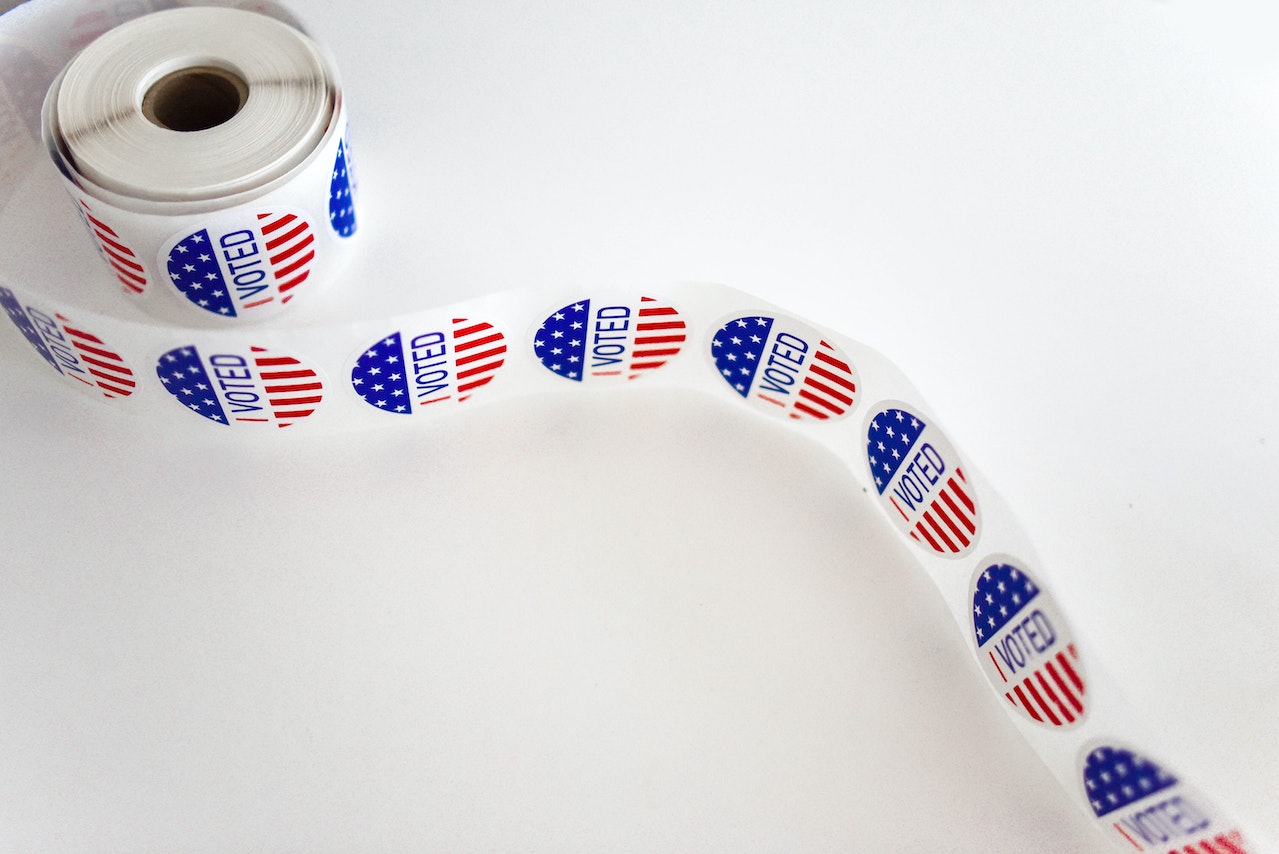
    For example, a sticker campaign might promote a new product launch, encourage people to vote, or raise money for a charity. When executed well, sticker campaigns can be highly effective and memorable. 

    When planning a sticker campaign, it is essential to consider the goals of the campaign, the target audience, and the budget. With careful planning, a sticker campaign can be an excellent way to reach potential customers and make a lasting impression.

    Benefits Of Using Sticker Campaign In Marketing 

    Sticker campaigns can be a great way to promote your brand or product. They are relatively inexpensive to produce and can be distributed easily. Plus, they offer a wide range of benefits that make them an ideal choice for any business or organization.

    Some of the benefits of using sticker campaigns in marketing include the following:

    1. Increased Brand Awareness:

     A sticker campaign can help increase brand awareness among potential customers. People who see your stickers will be more likely to remember your brand or product.

    Greater Reach: 


    Stickers can be placed in various locations, which means that your marketing message will have a greater reach. You can distribute stickers in high-traffic areas such as bus stops or subway stations. Or you can place them in strategic locations near competitors’ stores.


    Cost-Effective: 


    Sticker campaigns are relatively inexpensive to produce and distribute. This makes them an ideal choice for businesses or organizations with limited budgets.

     Flexibility: 

    Stickers can be used in various ways to promote your brand or product. For example, you can use them as part of a larger marketing campaign or distribute them independently.

    Creativity: 

    Stickers offer a great opportunity to be creative with your marketing message. You can use them to communicate a simple message or you can use them to create an eye-catching design. Either way, you’ll be able to grab attention and make a lasting impression.


    How To Create a Successful Sticker Campaign

    There is no surefire recipe for a successful sticker campaign, but a few key ingredients can help increase your chances of success. 


    First, it is important to choose a theme or message that is relevant to your target audience. Your stickers should be attention-grabbing and easy to understand so that people will be drawn to them and want to learn more about your cause. 


    Second, make sure to distribute your stickers in high-traffic areas where as many people will see them as possible.


     And finally, don’t forget to promote your campaign online and through social media – the more people you can reach, the better your chances of making a real impact. With these tips in mind, you can create a sticker campaign that is sure to turn heads and get people talking.

    Examples Of Effective Sticker Campaigns

    Here are just a few examples of effective sticker campaigns that businesses have used to great effect:

    Die-cut stickers are a great way to make a big impact with your branding. They can be used to create eye-catching shapes and designs that will really grab attention.

    However, Clear stickers are perfect for creating a professional and polished look for your business. They can be printed with your company logo or contact information and applied to windows, doors, or any other smooth surface.

    In addition, Transparent stickers are another great way to add a touch of creativity to your marketing campaigns. They can be used to create unique designs that will stand out from the crowd.

    Another Example of an effective sticker campaign is the “I’m Not a Plastic Bag” campaign, which was started in 2007 by an environmental NGO in India. The campaign’s goal was to reduce the use of plastic bags, one of India’s biggest sources of pollution. 


    The campaign used stickers and posters to raise awareness about the issue and distributed reusable bags to encourage people to reduce their use of plastic bags. The campaign successfully reduced the use of plastic bags in India by over 50%.

    Tips For Using Stickers In Other Marketing Channels, Such As Social Media And Email Marketing

    Stickers are a great way to promote your brand, and Getting high-quality custom stickers made is easy and relatively inexpensive. You can use them in various marketing channels, such as social media, email marketing, and even offline in physical stores or events.

    When using stickers in social media posts, make sure to use high-resolution images so that they look sharp when shared. You can also create short video clips to post on Instagram or Facebook Stories featuring your stickers in action. 

    For email marketing, consider sending out sticker packs with every order from your online store. This is a great way to show your appreciation for customers and encourage them to spread the word about your brand. 

    And don’t forget about using stickers offline! They can be a great way to generate buzz at trade shows or product demonstrations. Custom stickers are a fun and effective way to market your business wherever you use them.

    Conclusion

    A sticker campaign is one of the newest marketing strategies that help in promoting a product. It involves pasting stickers with company logos or messages on objects like buses, walls, and buildings. This type of marketing helps businesses to gain more exposure. That’s because it increases brand awareness. If you are looking for an affordable and effective way to market your business, then consider using sticker campaigns!

  • What Is Overprint Preview

    What Is Overprint Preview


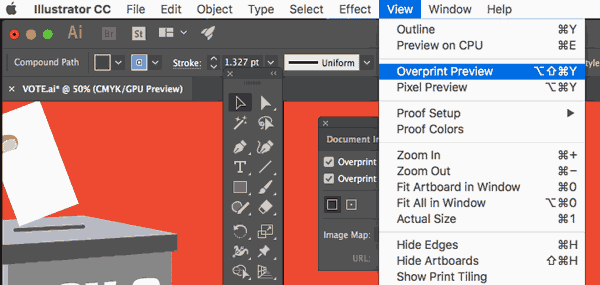
    Have you ever opened a file in Adobe InDesign and seen the term “Overprint Preview” nestled among the other options in the View menu? Have you ever wondered what it is, or if you even need it? Wonder no more! Overprint Preview is an essential function for anyone working with print design, and in this post we’ll break down what it is, how to use it, and when you might need to turn it off. 

    What Is Overprint Preview And What Does It Do?

    Overprint Preview is a color printing technique that combines two or more inks to produce a new color. The inks are printed on top of each other, and the resulting color is usually darker than the original ink. 

    This technique is often used to create darker shades of color, or to create special effects like metallic accents. While it can be used for any color combination, it is most commonly used with CMYK inks, as these inks provide a wider range of colors. 

    Additionally, it can be used to print white text on a dark background, or to print images with extremely high levels of detail. When used correctly, Overprint Preview can produce stunning results. 


    However, it is important to note that this technique can also produce unwanted effects, like ink smudging or color bleeding. As such, it is always best to test Overprint Preview on a scrap piece of paper before using it on your final project.

    How Can You Use Overprint Preview To Improve Your Printing Results And Save Money On Ink Costs?

    Overprint preview is a printing setting that allows you to see how colors will interact when they are printed on top of each other. This is especially useful for spot colors, often used for printing logos and other brand elements. When overprint preview is turned on, you can see how the colors will overlap and ensure that they are printed correctly. 


    This can help to improve your printing results and save money on ink costs. To use overprint preview, simply select the “Overprint Preview” option in your printer settings. This will allow you to see how colors will interact when they are printed on top of each other. 


    You can then make adjustments to ensure that the colors are printed correctly. It is a helpful printing setting that can improve your results and save you money on ink 

    Some Of The Best Ways To Use Overprint Previews In Your Workflow

    Overprint Preview can save you a lot of time and hassle in your workflow, by allowing you to quickly and easily check for overprints in your document. Here are some of the best ways to use Overprint Preview in your workflow:


    1. When creating a new document, always turn on Overprint Preview so that you can see any overprints that may occur. This will save you time in the long run, as you won’t have to go back and fix any overprints later on.


    1. If you’re working with spot colors, always turn on Preview so that you can ensure that they’ll print correctly. This is especially important if you’re using custom spot colors, as they may not overprint correctly by default.


    1. When working with transparency, always turn on Preview so that you can see how it will affect the objects underneath it. This is especially important for text, as it can often become illegible when transparently printed over a background.


    1. Always check your document in Preview before printing or exporting it to ensure there are no overprints. This will save you time and money in the long run, as you won’t have to reprint or re-export your document if there are any problems.


    1. If you’re unsure how an object will overprint, use Preview to test it before printing or exporting your document. This way, you’ll know for sure how it will look, and you won’t have to waste time or money on prints that don’t turn out the way you wanted them to.


    Benefits Of Using Overprint Preview

    One of the most useful tools in Adobe Acrobat is the Overprint Preview mode. This mode allows you to see how your document will look when printed, and can help you spot potential problems with overprints. Here are some of the benefits of using Overprint Preview mode:

    You Can Avoid Printing Errors.

    If you forget to turn on this Preview mode, you may print a document that has objects that are supposed to be invisible, or vice versa. This can cause printing errors, and waste both time and money.

    You Can Save Money On Printing Costs.

    If you know exactly how your document will look when printed, you can avoid wasting paper and ink by ensuring everything is printed correctly. This can save you a significant amount of money, especially if you print a lot of documents.

    You Can Improve The Quality Of Your Prints.

    You can avoid banding and other printing problems by ensuring that everything is printing correctly. This can result in better-looking prints, and may even save you money on professional printing costs.

    You Can Find Potential Problems Before They Become Serious.

    If you spot a problem with your document while in this Preview mode, you can fix it before it becomes a bigger issue. This can save you time, money, and frustration in the long run.

    Overprint Preview mode is an extremely useful tool that can save you time, money, and frustration. If you print a lot of documents, or if you want to make sure that your prints are of the highest quality possible, be sure to use Overprint Preview mode.

    Conclusion  

    As you can see, Overprint Preview Mode is very useful when printing documents that contain color. In most cases, converting all objects to CMYK before printing is a good idea. This will ensure that your colors print as expected and do not come out muddy or incorrect. 

  • Understanding Different Color Systems Pantone To CMYK

    Understanding Different Color Systems Pantone To CMYK

    When it comes to color, a few different systems can be used. In this blog post, we will be discussing the Pantone to CMYK color systems. We will go over the differences between the two systems and how they are used in printing. Understanding these two systems allows you to create colors that look great in print!

    What is Pantone and what is CMYK?

    If you’ve ever wondered how your favorite color got its name, there’s a good chance Pantone inspired it. Pantone is the world’s leading authority on color, providing an essential reference for designers in various industries. 


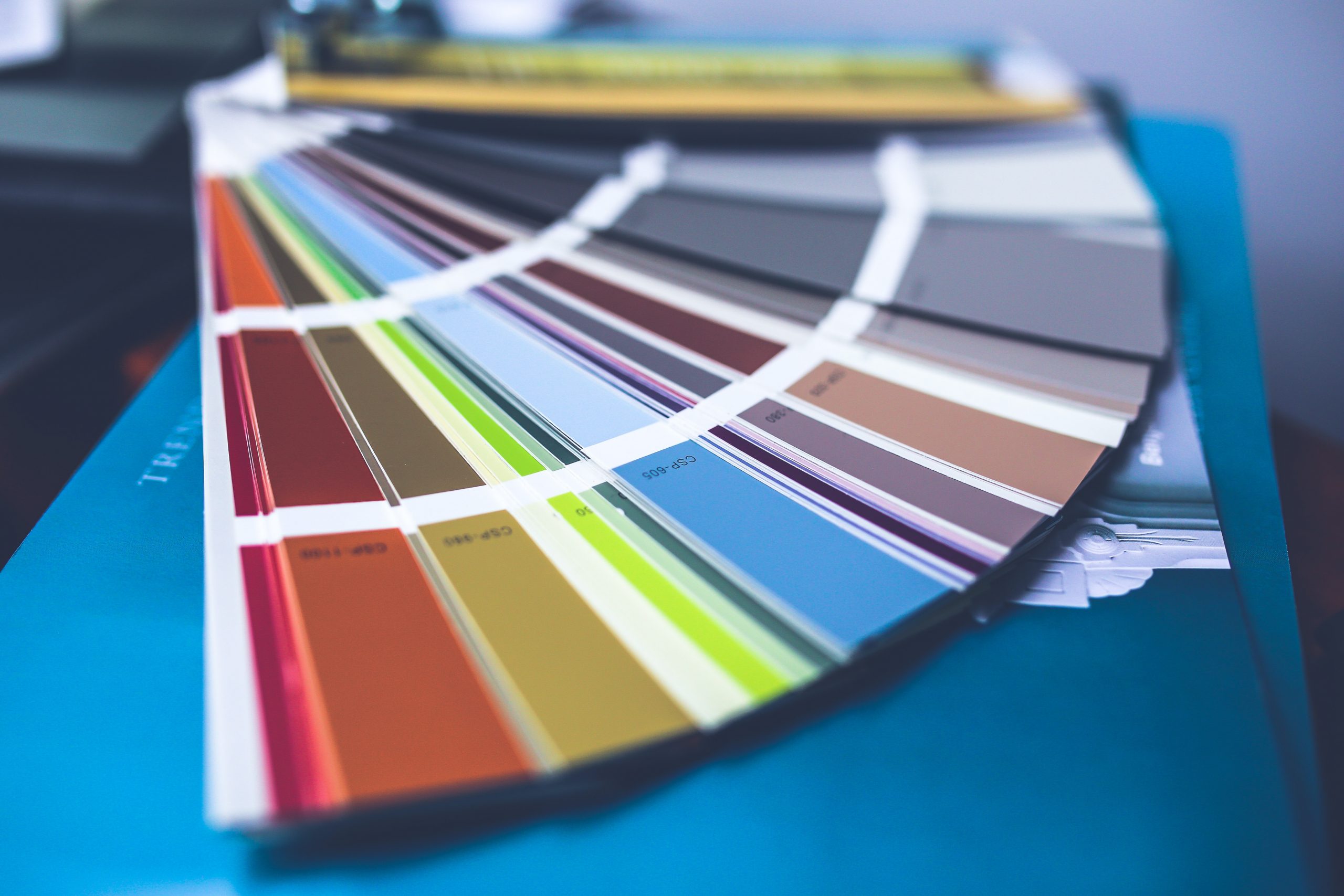
    The company’s signature product is the Pantone Color Finder, a fan deck that arranges every shade of color into a convenient and easy-to-use format. But what exactly is CMYK? CMYK stands for cyan, magenta, yellow, and black. 


    These four colors are used to produce all the other colors in the Pantone system. By varying the amounts of each color, printers can create millions of different hues. When it comes to color printing, CMYK is the gold standard. CMYK printing is preferred for high-quality print jobs thanks to its superior accuracy and consistency. 

    How are the Pantone or CMYK color systems different

    Pantone and CMYK are both color systems used in printing. While they share some similarities, there are also some important distinctions. Perhaps the most fundamental difference is that Pantone uses a more limited palette of colors, while CMYK offers a wider range of options. As a result, Pantone is typically used for smaller print jobs, while CMYK is more suited for large-scale printing projects.


     Another key difference is that Pantone colors are printed as a single ink layer, while CMYK colors are created by combining four inks (cyan, magenta, yellow, and black). This can give Pantone prints a more vibrant and saturated appearance. Ultimately, both color systems have their own strengths and weaknesses, and the best choice for a given project will vary depending on the specific needs and goals.

    What are some of the benefits of using Pantone over CMYK

    Pantone colors are more consistent from one print run to the next, while CMYK colors can vary depending on the printing press and paper stock. Moreover, these colors can be more vibrant and offer a wider range of hues than CMYK colors.

    Pantone matching system (PMS) is an internationally recognized color standard, while there is no such thing as a “CMYK standard.” This means that when you specify a Pantone color for your print job, your printer will know exactly which ink to use, resulting in more accurate color reproduction.

    Pantone colors are printed as spot colors, meaning each color is printed with its own ink, while CMYK colors are printed as four-color process colors, meaning each color is created by a combination of cyan, magenta, yellow, and black inks. This can result in some color shift when printing CMYK colors.

    Because Pantone colors are printed as spot colors, they can be overprinted on top of one another without any color change or “bleeding.” This can be useful for creating special effects or for printing on dark colored paper stocks. Pantone colors are more expensive to print than CMYK colors, but the results can be worth the extra cost.

    When would you want to use Pantone instead of CMYK

    Regarding color printing, there are two major systems today: Pantone and CMYK. Both have their strengths and weaknesses, and the best choice for a project depends on several factors. One key difference between the two systems is that Pantone colors are made from a limited palette of premixed inks. However, CMYK colors are created by mixing cyan, magenta, yellow, and black inks.


     As a result, Pantone colors tend to be more vibrant and accurate, while CMYK colors can be more variable. Another difference is that Pantone is typically used for spot color printing, meaning each color is printed with its separate ink. While CMYK is more commonly used for full-color printing. When choosing between Pantone and CMYK, it’s essential to consider the requirements of the project at hand. 


    For instance, if color accuracy and vibrancy are paramount, Pantone may be the better choice. On the other hand, if cost is a factor or the project will be printed in full color, then CMYK may be the better option. Ultimately, there is no right or wrong answer when choosing between Pantone and CMYK; it simply depends on the project’s needs.

    Pantone or CMYK: Which system should you use for your business printing needs?

    Regarding printing, two main color models are used. Both systems have their advantages and disadvantages, so it’s important to choose the one that is best for your business needs.


    Pantone is a great option if you need your colors to be highly accurate and consistent. This system uses a specific formula for each color, so you can be sure that your prints will match up perfectly every time. However, Pantone printing can be more expensive than CMYK printing, so it’s important to weigh your options carefully.


    CMYK printing, on the other hand, is ideal for businesses that need to print large quantities of material. This system uses cyan, magenta, yellow, and black inks to create a wide range of colors. CMYK printing is generally less expensive than Pantone printing, but it can be more difficult to achieve consistent color results.

    Conclusion

    Although there are many different color models, the most important thing is understanding how each one works. By understanding the differences between Pantone and CMYK, you’ll be able to choose the best printing method for your project. Call us if you need help deciding which system is right for you. Our team of experts will be happy to assist you.

    Also, read our guide on brochure printing.